The laptop comparison often starts with processor names and memory totals, but those numbers make more sense after you picture a real workday. Are you writing with a dozen browser tabs open, editing large photo files, or carrying the machine between meetings? The best fit is the one that handles your regular workload without asking you to pay for power or portability you will not use.
Start With Your Workload
For documents, video calls, and everyday browsing, prioritize a comfortable keyboard, a clear webcam, and enough memory to keep your usual apps open smoothly. Creative applications and demanding technical work can benefit from stronger processors, dedicated graphics, or more memory, depending on the software involved. Check the recommended requirements for the programs you rely on instead of assuming that a higher tier is automatically worthwhile.
Give the Screen a Test
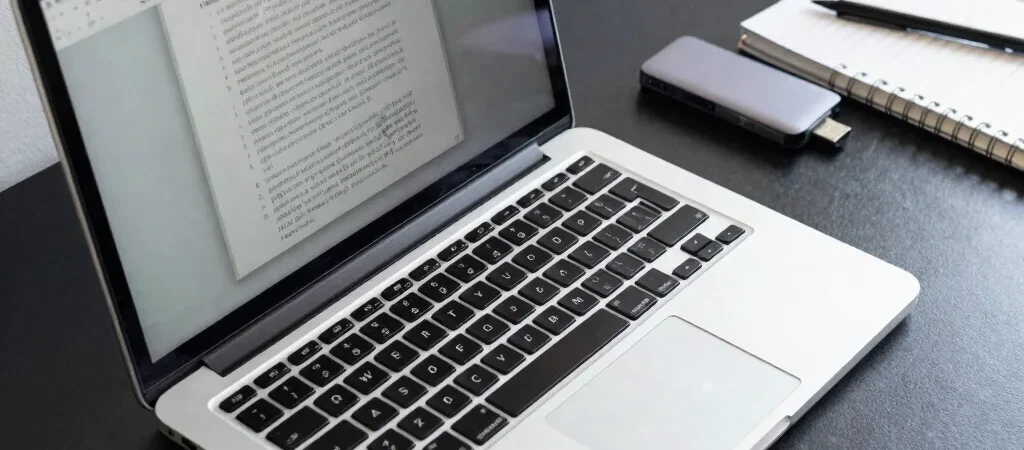
A 13-inch display is easier to carry, but a spreadsheet or side-by-side document view may feel more confined than it would on a larger panel. Resolution is only part of the picture: brightness, reflections, aspect ratio, and text scaling affect comfort during long sessions. If you can, view the screen in person with the kind of content you actually use, not just a vivid demo image.
Count the Everyday Friction
Weight matters most when the laptop leaves your desk, while port selection matters when you regularly connect a monitor, storage drive, or presentation adapter. Battery-life claims are most useful when a review explains its brightness level and workload, since video playback and back-to-back calls make different demands. Also check whether memory and storage can be upgraded later; many slim models keep those parts fixed.
Write down your three most frequent tasks and the accessories you connect before comparing key specifications. That short list helps separate useful capability from a premium you may never notice. Some links in Smart Reviews articles may be affiliate links, which can earn us a commission at no additional cost to you.