
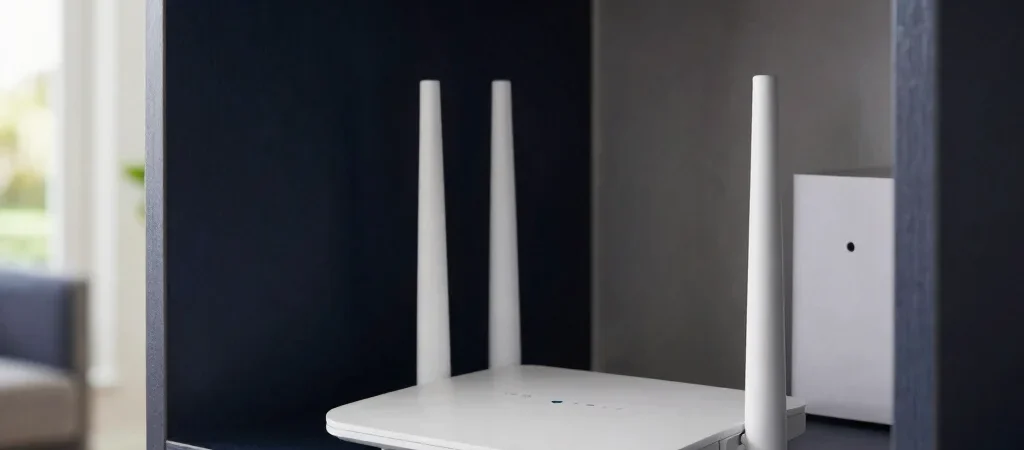
If a video call freezes in the upstairs bedroom while the router sits behind a television downstairs, the problem may be the route between the two—not a lack of advertised speed. Mesh Wi-Fi can help cover a larger or more complex home, but it is not a universal cure for slow internet. A few checks can tell you whether the issue is coverage, congestion, or the service coming into your home.
Find the Weak Link
Run a speed test near the router, then repeat it in the room where the connection disappoints you. If both results are poor, check your internet plan, modem, and service status before buying a new Wi-Fi system. If the nearby result is strong but the distant one drops sharply, signal coverage or interference is a more likely place to investigate.
Try Better Placement First
A router tucked into a cabinet or set on the floor has a harder job than one placed in an open, central spot. Thick masonry, metal appliances, and several walls can weaken the signal, especially between floors. Moving the router onto a shelf and away from large obstructions is a low-cost test worth making before adding another device.
Know the Mesh Trade-Off
Mesh systems use multiple units to spread coverage, which can suit long layouts, multiple floors, or rooms where a single router cannot reach reliably. They also add hardware to configure and place, and wireless links between units can be affected by the same obstacles as any other Wi-Fi signal. Check that the system supports your internet plan and has enough Ethernet ports for devices you prefer to wire directly.
Map the dead zones and test the router’s current location before choosing a mesh kit; the result may point to a simpler fix. Some links in Smart Reviews articles may be affiliate links, which can earn us a commission at no additional cost to you.


